9.4: The Email Sign-Up Page: 5 Essential Parts That Get People to Subscribe
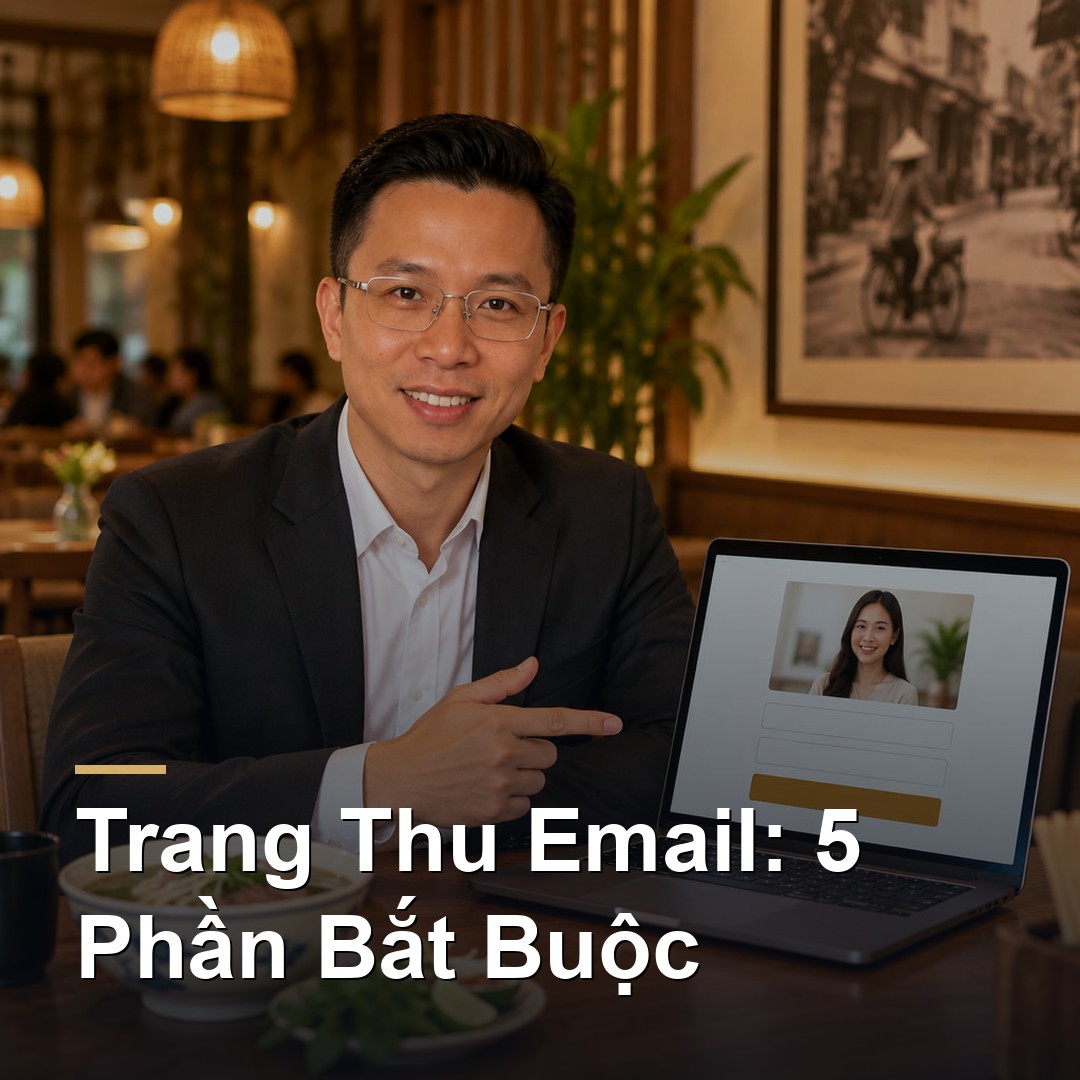
An effective email sign-up page needs only 5 parts: a headline that says what the customer gets, one real photo, a short description of the gift, a very short form, and one obvious button, plus one sign of trust. All of it fits on a single phone screen.
You have your gift (post 9.3). Now you need a place where customers can claim it and leave an email. That place is a landing page.
Here's what a landing page is, how to write each part, and the mistakes that make people leave.
What is a landing page, and how is it different from a normal page?
A landing page is a web page that does exactly one job. Here, that job is collecting emails.
Your home page is like a whole store with plenty to look at. A landing page is like a small table by the door with a single sign: "Leave your email, get a gift."
Because it has one job, the page has no menu and no links elsewhere. Visitors have two choices: sign up or close it.
The 5 essential parts
Part 1: A headline that states the benefit
The headline is the first thing people read, and often the only thing.
- •❌ "Subscribe to our newsletter"
- •✅ "Get a birthday offer from [shop name]"
- •✅ "5 minutes a day to make gel nails last an extra week"
A good headline answers "what do I get?" in under ten words.
Part 2: One real photo
A photo of your own shop: real nails, a real bowl of pho, the real treatment room. No stock images. Customers spot them immediately, and they make the page look like an ad.
If the gift is a guide, show a picture of it so people can see what they're about to get.
Part 3: A short description of the gift
Two or three bullet points:
- •What they receive.
- •How they get it (by email right after signing up).
- •How often you'll email.
That last one matters a lot. "We send one or two emails a month and you can unsubscribe any time" puts people at ease.
Part 4: A very short form
Every extra field is another reason to leave.
- •Required: email.
- •Worth having: first name (so later emails can say "Hi Hoa").
- •Only if needed: birth month, if the gift is a birthday offer.
And a consent checkbox, left unticked, for the customer to tick themselves. That's a requirement of Canada's anti-spam law, CASL, covered in post 9.2.
Part 5: One obvious button
A single button in a colour that stands out, with text that says what they'll get.
- •❌ "Submit"
- •✅ "Send me the gift"
- •✅ "Get my birthday offer"
On a phone, the button has to be big enough for a thumb.
Add one thing to build trust
Near the button, add one sign of trust:
- •A real customer review with a name.
- •Your Google star rating.
- •Your address and city, so people know this is a real shop nearby.
One is enough. Too many and the page gets cluttered.
A one-screen layout
The page should fit a phone screen with no scrolling:
[ Shop name / logo ]

Headline: what they get

[ Real photo ]

• What you receive
• How you get it
• How often we email

[ First name ]
[ Email      ]
☐ I agree to receive emails from this shop

[  BUTTON: Send me the gift  ]

★ "A real review" — Customer name
What happens after they tap the button?
This part is often forgotten. After signing up, the customer should see a thank-you page that says:
- •"Thank you. Your gift is on its way to your inbox."
- •"If you don't see it in a few minutes, check Promotions or Spam."
- •An optional next step: a booking link or your Instagram page.
And the gift must arrive within a few minutes, automatically. Post 9.5 shows how.
7 mistakes that stop people signing up
- •☐ A vague headline that doesn't say what they get
- •☐ A form that asks too much: address, full birth date, phone number
- •☐ A menu and extra links that send people elsewhere
- •☐ A slow page because the images are too heavy
- •☐ Small text and a small button that are hard to use on a phone
- •☐ No mention of how often you'll email
- •☐ No gift after signing up
Open the page on your own phone and sign up yourself. Wherever you get stuck, customers will too.
What do you build it with?
You don't need a developer. Three options:
- •Email software (Mailchimp, GetResponse and similar tools) usually includes a sign-up page builder.
- •Your shop's website, if you have one: add a dedicated page.
- •Your booking software or CRM, many of which include forms.
Each tool has its own plans and prices, so check their sites before choosing.
How do you get people to the page?
A nice page nobody visits is no use. Put the link in:
- •QR codes at the counter and on tables.
- •Your Instagram and TikTok bio.
- •Social posts and videos.
- •Your Google Business Profile.
- •The footer of your booking confirmation messages.
Quick recap
- •A landing page does one job: collect emails.
- •Five parts: benefit headline, real photo, short description, short form, one button. Plus one sign of trust.
- •One phone screen, no menu, no links elsewhere.
- •After sign-up, show a thank-you page and deliver the gift within minutes.
Next up (9.5): the four automated emails to send to someone who just signed up.
If you'd like a sign-up page already connected to your customer list that sends the gift automatically, Wizy builds this through web design and Wizy CRM. Questions? Book a free 15-minute consultation.
✍️ About the author: Do Ngoc Hoan Founder of Wizy.ca, a marketing agency for Vietnamese businesses in Ontario. I write to make marketing simple for busy shop owners — no confusing jargon. More at dongochoan.com.
Frequently Asked Questions
What is a landing page?+
A landing page is a web page that does exactly one job, such as collecting customer emails. Unlike a home page with many sections, it has no menu and no links elsewhere, so visitors can only sign up or close the page.
What should an email sign-up page include?+
Five parts: a headline stating what the customer gets, one real photo of the shop, a short description of the gift and how often you email, a form asking only for name and email with an unticked consent box, and one obvious button. Add one sign of trust such as a real review. It should all fit on one phone screen.
What information should an email sign-up form ask for?+
As little as possible. Only the email is required; a first name helps personalize messages; ask for birth month only if the gift is a birthday offer. Every added field is another reason to leave. The consent box must be left unticked for the customer to tick.
Related Posts
✉️ Subscribe to our newsletter
Marketing tips, AI news, and growth strategies for your business — straight to your inbox.