Nail Salon Gift Cards: Print Your Own, Skip the Visa Card
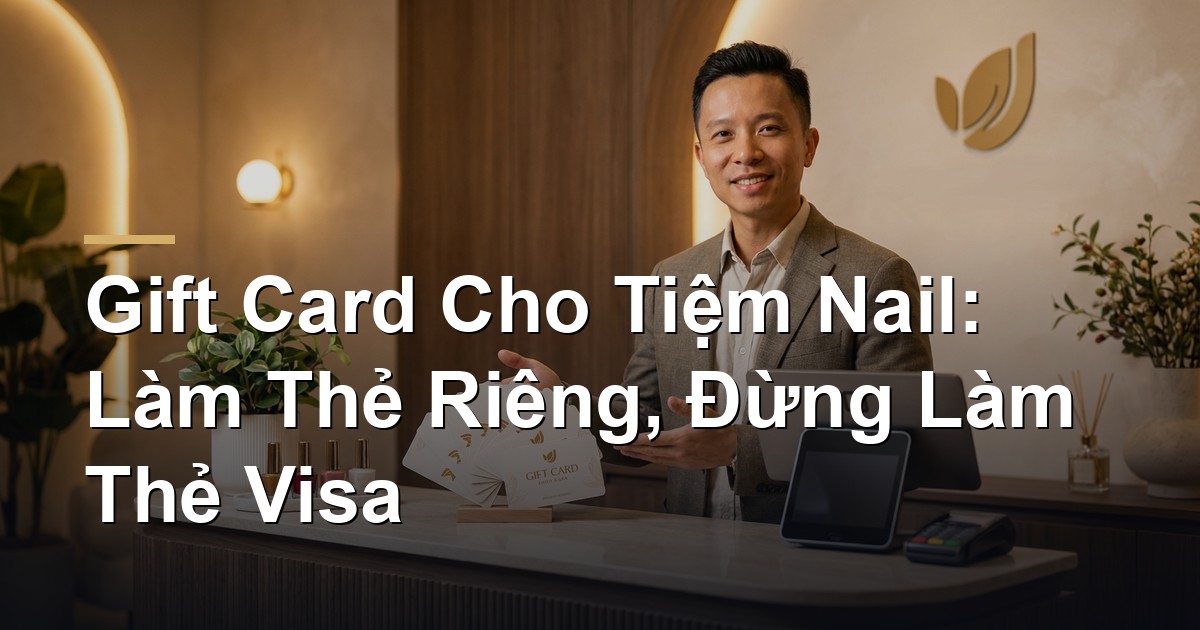
If you want to start selling gift cards at your nail salon, here's the short answer: print your own branded plastic cards and run them through the POS you already use — don't try to issue your own Visa or Mastercard. Your own cards cost roughly $50–$150 for a first batch and can be sitting on your front desk in one to two weeks. A custom Visa program means banks, applications, no published pricing, and — worst of all — a card your customer can spend anywhere but your salon.
Here's the full picture, with real numbers, so you can decide on your own.
What a gift card actually does for a salon
A gift card is simply a customer paying you now for service they'll use later. Think of the old "buy 10 pedicures" punch card, but tidier and far more professional.
Three very real benefits:
- •Cash comes in first, service goes out later. Sell 30 cards at $100 in December and that's $3,000 in the bank this month, even if the client doesn't book until February.
- •It brings in new customers for free. Regulars buy cards for friends, sisters, coworkers. Most of the people receiving those cards have never set foot in your salon.
- •People spend more than the card is worth. Someone holding a $50 card books a $65 set and hands over the extra $15 without blinking. This happens almost every time.
In Ontario, the big gift card seasons are Christmas, Valentine's Day, Mother's Day, and wedding season. No cards on the counter means you're sitting out all four.
Three kinds of cards — picking the wrong one costs money
This is where most owners get confused. These are three completely different products:
| Card type | Where can it be spent? | Who holds the money? | Right for a nail salon? |
|---|---|---|---|
| Prepaid Visa/Mastercard (open-loop) | Anywhere those networks are accepted | The issuing bank | No — the money leaves your salon |
| Your own branded plastic card (closed-loop), tied to your POS | Only at your salon | Your POS (e.g. Square) keeps the balance | ✅ Best fit |
| Paper card with a QR code | Only at your salon | Your salon software | Great as a backup or for online sales |
Two terms worth remembering:
- •Open-loop = spendable in lots of places, like the prepaid Visa cards on the rack at Shoppers.
- •Closed-loop = spendable only with you, like a single restaurant's voucher.
For a nail salon, closed-loop is what you want. The logic is simple: once a customer has handed you the money, that money should come back to you as service — not go toward someone's gas tank.
Why I don't recommend a custom Visa/Mastercard program
Owners often see big chains with Visa-branded cards and assume they can do the same. You can — but here's what it actually involves:
- •You need program approval from a bank or issuing partner, with full business documentation (KYC/KYB — basically "prove who you are and that the salon is real").
- •The bank holds the customer's money, sets the rules, and handles lost cards.
- •Your card artwork must be approved by the card network before printing.
- •Nobody publishes pricing. Berkeley Payment, Blackhawk Network, TruCash, InComm — their websites offer a "book a demo" button and nothing else. Every number comes through a sales call.
- •And at the end of it: the customer can spend that card anywhere.
These programs exist for large companies running employee rewards, rebates, and payouts — not for a salon selling gifts. If you're still curious, park it as a phase-two project and don't let your opening day depend on it.
What plastic cards really cost through Square
If your salon runs on Square (or is about to), this is the fastest path. Square sells the plastic, and your front desk loads, swipes, checks balances, and reloads right on the same terminal — no extra hardware.
Square's published Canadian pricing (CAD, before HST and shipping):
| Package | Minimum order | Published price | First batch about | Square's stated turnaround |
|---|---|---|---|---|
| Starter pack — stock designs | 20 cards | from $1.75/card | ~$35 | ships in 1 business day |
| Quick Cards — your salon name on a template | 75 cards | from $0.82/card | ~$61.50 | ships in 5–7 business days |
| Custom Cards — your own artwork | 75 cards | from $0.66/card | ~$49.50 | ships in 15 business days |
One caution: these are Square's "from" prices, not a final invoice. Real totals shift with quantity, options, shipping, and tax. That "from" is also why Custom looks cheaper than Quick — take it to checkout to see your actual number.
What does selling a $100 card cost you?
Square charges a 2.5% load fee every time money goes onto a card, plus the normal processing fee for however the customer pays. There is no fee when the card is redeemed, and no monthly fee.
| Customer buys a $100 card with | Load fee | Processing | Your cost |
|---|---|---|---|
| Credit card / Apple Pay / Google Pay | $2.50 | $2.50 | $5.00 |
| Interac (chip/PIN or tap) | $2.50 | $0.82 | $3.32 |
| Cash (recorded in Square) | $2.50 | $0 | $2.50 |
| Online eGift bought by credit card | $2.50 | $3.10 | $5.60 |
In plain terms: on a $100 card you keep roughly $95 to $97.50. In exchange you get the cash up front and a brand-new customer walking through your door. That's far cheaper than buying that customer through ads.
Are there other options?
Two more, for completeness:
1. Ackroo — a Canadian gift card platform. It works with terminals you already have, no new hardware required. But published pricing is $500 setup plus $50/month per location — over $1,100 in year one, before you've printed a single card. Only worth considering if you don't use Square and want a standalone gift card system.
2. A plastic card printer (for example QuickCards in Cambridge, Ontario). They publish $335 flat for any quantity under 250 cards, with barcodes, numbering, and magstripe included. But that's printing only — no loading, no balances, no reporting. Your salon software would have to keep the whole ledger itself. This suits a later stage, once you're comfortable operating and want to avoid the 2.5% load fee.
A four-week plan to get cards on the counter
Opening soon, or aiming at a holiday? Count back four weeks:
Week 1 — Turn it on and lock the design
- •Enable Gift Cards in your Square account and confirm the shipping address.
- •Finalize the front (logo, salon name) and the back (how to check a balance, your phone number).
- •Pick your suggested amounts: $50 / $100 / $150 is the easiest-selling trio.
Week 2 — Place the order
- •Order 75 Quick Cards if you need certainty on timing. This is the safest bet on delivery.
- •If your artwork is ready and you have room in the calendar, go with Custom Cards.
- •Tip: add a 20-card Starter pack as insurance — it's only about $35.
Week 3 — Test before the plastic arrives
- •Don't sit and wait for the cards. Test with digital gift cards now: sell one, redeem part of it, reload it, refund it, and check your end-of-day report.
- •Decide who is allowed to void a transaction or adjust a balance — that should be the owner or a manager only.
Week 4 — Train the front desk and put cards out
- •Drill exactly four actions: sell a card, check a balance, redeem partially, reload.
- •Place the cards where customers look while paying, with a small sign: "Gift cards available."
- •Post photos of the cards on Facebook and Instagram at least two weeks before the holiday.
Checkpoint: if you reach the end of week 2 without a confirmed ship date, switch to the backup below immediately instead of waiting.
Backup plan: paper cards with a QR code
If the plastic runs late, you can still sell gift cards using sturdy printed paper cards, each carrying its own code and QR code.
How to do it properly:
- •Give every card a random, unguessable code — not 001, 002, 003.
- •Your software must store the original amount, the current balance, who bought it, who received it, and the full usage history.
- •Staff scan the QR (or type the code) and see the balance before charging anything.
- •Allow partial redemption — a $50 card on a $65 service means $15 paid at the counter.
- •The golden rule: the paper is not the money. The balance lives in your system. Lost card? Look up the code and reissue.
Printing 100–250 double-sided cards on heavy stock at a local shop usually runs $75–$150. Cheap, fast, and it doubles as your online gift card.
Ontario rules and what must be printed on the card
Short section, but don't skip it — getting this wrong costs you customer trust:
- •Gift cards a customer paid for cannot have an expiry date. Ontario bans expiry on most retail gift cards, and Square's cards don't expire either.
- •Keep purchased cards separate from promotional vouchers. A free promo ("free pedicure with a manicure, use by June 30") can carry conditions. A card someone paid for cannot.
- •HST applies when the card is redeemed, not when it's sold. Confirm the exact bookkeeping with your accountant.
- •Print on the card or its carrier: salon name, how to check a balance, the lost-card policy, "not redeemable for cash except where required by law," and your phone number.
- •Never print a Visa or Mastercard logo on your own card. It isn't on those networks, and showing the logo misleads your customer.
- •Reconcile daily: cards sold, cards redeemed, balance still outstanding. That outstanding balance is service you still owe, not profit.
Recap — what to do next
- •Choose closed-loop plastic tied to the POS you already run. On Square, that's a single toggle.
- •Order 75 Quick Cards (~$61.50) for your first batch — the safest option on timing.
- •Skip the custom Visa/Mastercard program. Wrong fit for a small salon, no public pricing, and the money walks out the door.
- •Keep paper + QR cards ready as a backup and as your online gift card.
- •Follow the Ontario rules: no expiry, print the required details, reconcile every day.
That's the whole thing. No bank, no lawyer, no waiting for approvals. One afternoon of setup, about $60 of plastic, and your salon has a new revenue stream that works before the customer even walks in.
If you'd like a second opinion on which option fits your salon, message us at Wizy.ca — we'll look at your POS and tell you straight.
References: Square Canada – Gift Card Pricing, Ackroo Pricing, QuickCards Canada, Ontario – Buying or Using Gift Cards.
✍️ About the author: Do Ngoc Hoan Founder of Wizy.ca, a marketing agency for Vietnamese businesses in Ontario. I write to make marketing simple for busy shop owners — no confusing jargon. More at dongochoan.com.
Frequently Asked Questions
What kind of gift card should a nail salon use?+
Use closed-loop plastic cards tied to the POS you already run, such as Square Gift Cards. They can only be spent at your salon, so prepaid money comes back to you as service, and your front desk loads, swipes and checks balances on the same terminal. A first batch of 75 cards runs about $61.50.
What does selling a $100 gift card cost the salon?+
Square charges a 2.5% load fee plus the normal processing fee for the payment method. A credit card purchase costs about $5.00 total, Interac about $3.32, and cash just $2.50. There is no redemption fee and no monthly fee.
Should a nail salon issue its own Visa or Mastercard?+
No. Those are open-loop cards issued by a bank, requiring KYC/KYB approval, network sign-off on artwork, and a sales call for any pricing at all. More importantly, the customer can spend that card anywhere instead of at your salon.
Can gift cards expire in Ontario?+
No. Ontario bans expiry dates on most gift cards a customer paid for, and Square's cards do not expire either. Only free promotional vouchers may carry conditions and deadlines.
How do you sell gift cards before the plastic arrives?+
Use heavy paper cards with a random code and a QR code — printing 100 to 250 of them costs roughly $75 to $150. Your salon software holds the balance and history, and staff scan the QR to see the balance before charging. The paper is not the money, so a lost card can be reissued from its code.
Related Posts



✉️ Subscribe to our newsletter
Marketing tips, AI news, and growth strategies for your business — straight to your inbox.